Support Asked Me for a One-Time Code – Is That a Scam?
In today’s digital world, verifying your identity online can sometimes feel like walking through a minefield. One common puzzle many users face is receiving requests from “support” asking for a one-time verification code. Is this a legitimate step for identity verification, or is it a phishing scam? This post will unpack why support teams never ask for these codes, what the digital identity lifecycle really looks like beyond login, and how modern tools like passkeys and fingerprint authentication are changing the game for secure, passwordless access.
What Is a One-Time Verification Code?
A one-time verification code (often sent via SMS, email, or an authenticator app) is a temporary code used to confirm your identity during login or sensitive account actions. These codes help companies add security layers to prevent unauthorized access.
Common Scam: Support Asking for Your One-Time Code
One of the most common scams today involves fraudsters impersonating customer support and asking users to share their one-time verification codes. You might receive a message or call, seemingly from a legitimate company like Arena Plus or Houzz Pro, instructing you to provide this code “to verify your account” or “fix an issue.”
Important: Real support teams will never ask you for your one-time verification code or password. Sharing these codes is like giving someone the keys to your account.
Why Do Scammers Request One-Time Codes?
- Account Takeover: Entering your code allows attackers to bypass login security and access your accounts.
- Phishing: Scammers can use social engineering tactics to trick you into giving away sensitive info.
- Financial Theft: Access to accounts like shopping or payment platforms can lead to unauthorized transactions.
The Digital Identity Lifecycle Beyond Login
Modern user authentication isn’t just about typing a password or entering a code — it’s an ongoing process throughout the digital identity lifecycle:
- Registration: Companies like Houzz or Arena Plus aim to keep registration simple with clear, minimal fields to reduce friction.
- Authentication: Moving away from password-only access toward more secure options like passkeys and fingerprint authentication.
- Risk-Based Authentication: Systems continuously assess risk and apply “step-up” checks (additional verification) when unusual activity occurs.
- Recovery: Secure methods to regain access when needed, always consistent with the terminology used at registration to avoid confusion.
Clear, Minimal Registration Fields
To start the identity lifecycle smoothly, registration forms should be simple and clear. For example, Houzz Pro streamlines new account creation More helpful hints by requiring only essential details upfront, minimizing friction and preventing confusion later during recovery.
Pro tip: Never hide mandatory fields or requirements until the user submits the form. This reduces frustration and improves clarity.
Passwordless Access Using Passkeys and Fingerprint Authentication
Passwordless authentication is revolutionizing security and user experience. Companies like Arena Plus encourage options such as:
- Passkeys: Cryptographic tokens stored securely on devices simplify login without passwords or codes that can be phished.
- Fingerprint Authentication: Biometric options provide convenient yet robust security.
These technologies drastically reduce the chances of phishing since there is no code or password to share, and login happens directly via the device’s secure methods.
Risk-Based Authentication and Step-Up Checks
Even with passwordless access, sometimes companies must confirm it’s really you behind a risky login attempt. This is where risk-based authentication shines.

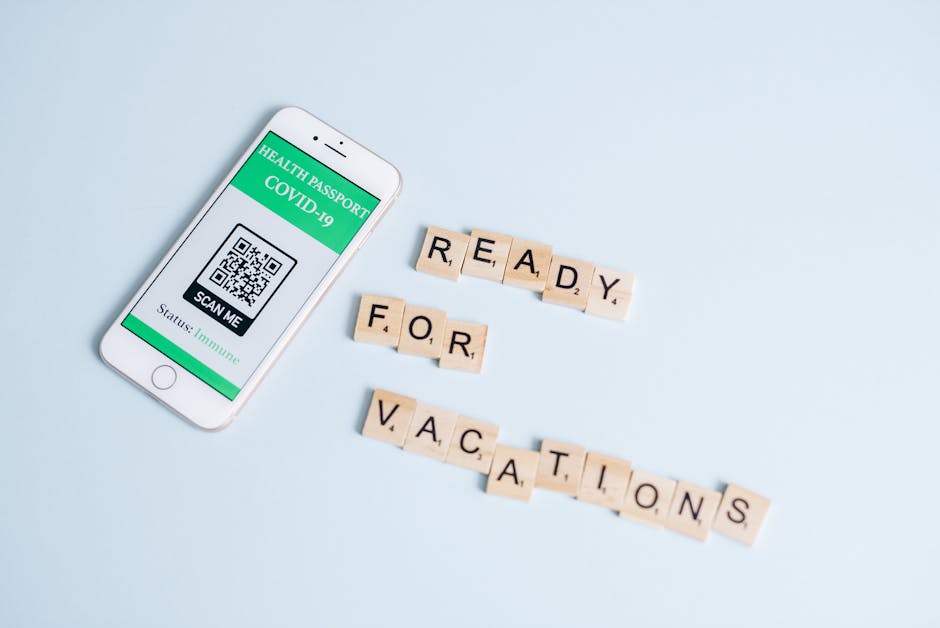
- If a login looks suspicious (unusual location, new device), a step-up request asks for extra verification — but crucially, this will never involve sharing a one-time code with support.
- Instead, expect automatic prompts on your trusted device or secure additional factors like biometric confirmation.
Support Should Never Ask for Your One-Time Verification Code
As a rule of thumb, customer support teams from respected platforms such as Houzz and Arena Plus follow strict guidelines to protect your account:
- They will never request your one-time verification codes or passwords.
- They may guide you to enter codes on your device or initiate verification flows themselves without ever seeing those codes.
- They never send unsolicited messages asking for sensitive info like codes or payment details.
Always remember: If Visit this page someone claiming to represent support asks for a one-time verification code, it is a red flag for a phishing attempt. Feel empowered to hang up, block, or report suspicious contact immediately.
What To Do If You’ve Shared Your One-Time Verification Code
- Change your passwords and authentication settings immediately.
- Enable passwordless or biometric login methods where possible.
- Contact the company’s official support directly using verified contact info.
- Monitor your account for unauthorized activity and report anything suspicious.
Summary: Protecting Your Digital Identity
Myth or Mistake Reality & Best Practice Support asks for my one-time code to verify my identity. Support will never ask you for this. Keep codes private. Sharing codes with support is safe. Sharing codes enables account takeover. Always refuse. Passwords are the only secure login method. Passwordless options like passkeys and fingerprint authentication are more secure and user-friendly. Registration forms should ask for every detail upfront. Clear, minimal registration fields improve user experience and reduce support issues.Remember: Trusted digital companies such as Houzz, Arena Plus, and Houzz Pro invest heavily in user-friendly, secure identity flows that protect your data. You don’t need to share your codes with anyone — keep them private to stay safe online.
Additional Resources
- NIST Guidelines on Passwordless Authentication
- FTC Guide: Spot & Avoid Phishing Scams
- Houzz Pro Secure Login
Stay safe, stay informed, and never share your one-time verification codes—even when someone says they’re from support.